Puku Web-Chat
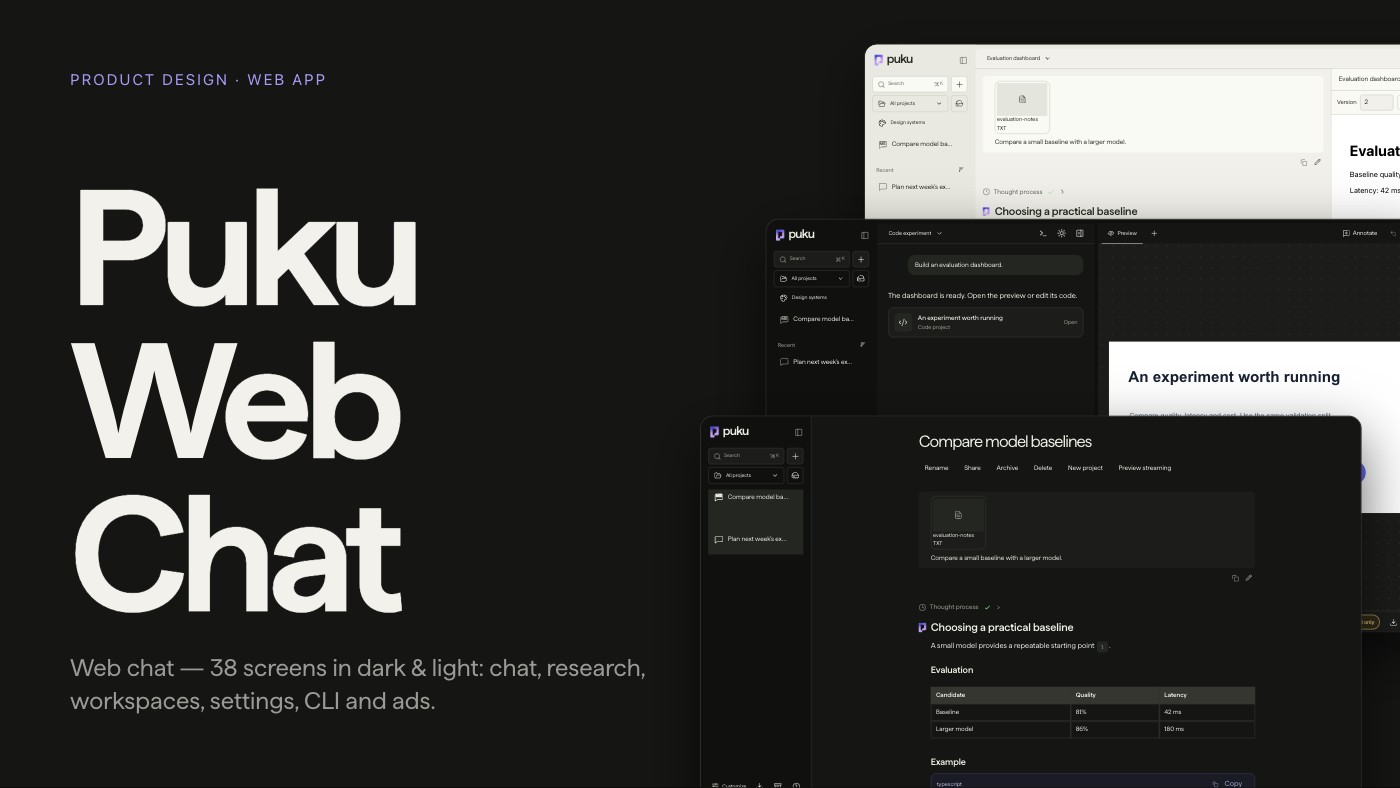
Chat, research, workspaces, settings, CLI and ads — in the browser.
- Role
- Product & design lead
- Scope
- 38 screens × 2 themes
- Platform
- Desktop web · 1440×900
The brief
Make chat the front door to everything Puku does: research, documents, code, design and slides, plus a bridge to CLI sessions.
What I did
- Defined 38 screens: new chat, rich responses, research, artifacts, then document, code, design and slides workspaces.
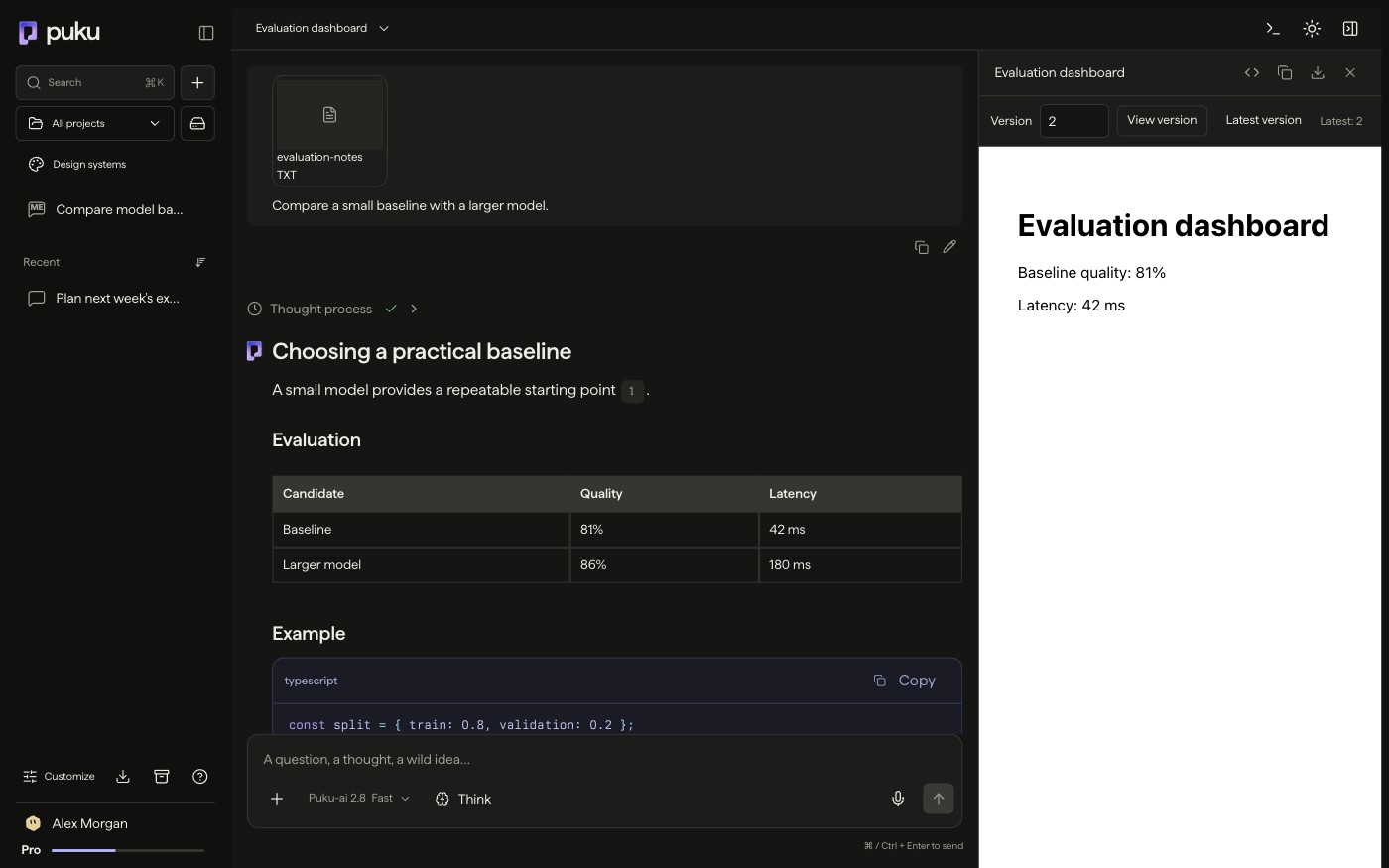
- Designed “Chat with …” split views for documents, artifacts, code, design and slides, with a preview pane.
- Covered settings (connectors, skills, shortcuts, account, usage), shared chats, offline, auth and error states, and CLI sessions from the web.
Key decisions
- D.1
Split, don't switch
Work and conversation sit side by side.
- D.2
Thinking you can fold
A collapsible thought process keeps answers scannable.
- D.3
One CLI, two surfaces
Terminal sessions are readable and permissioned from the web.
Next Puku product
Puku Bot