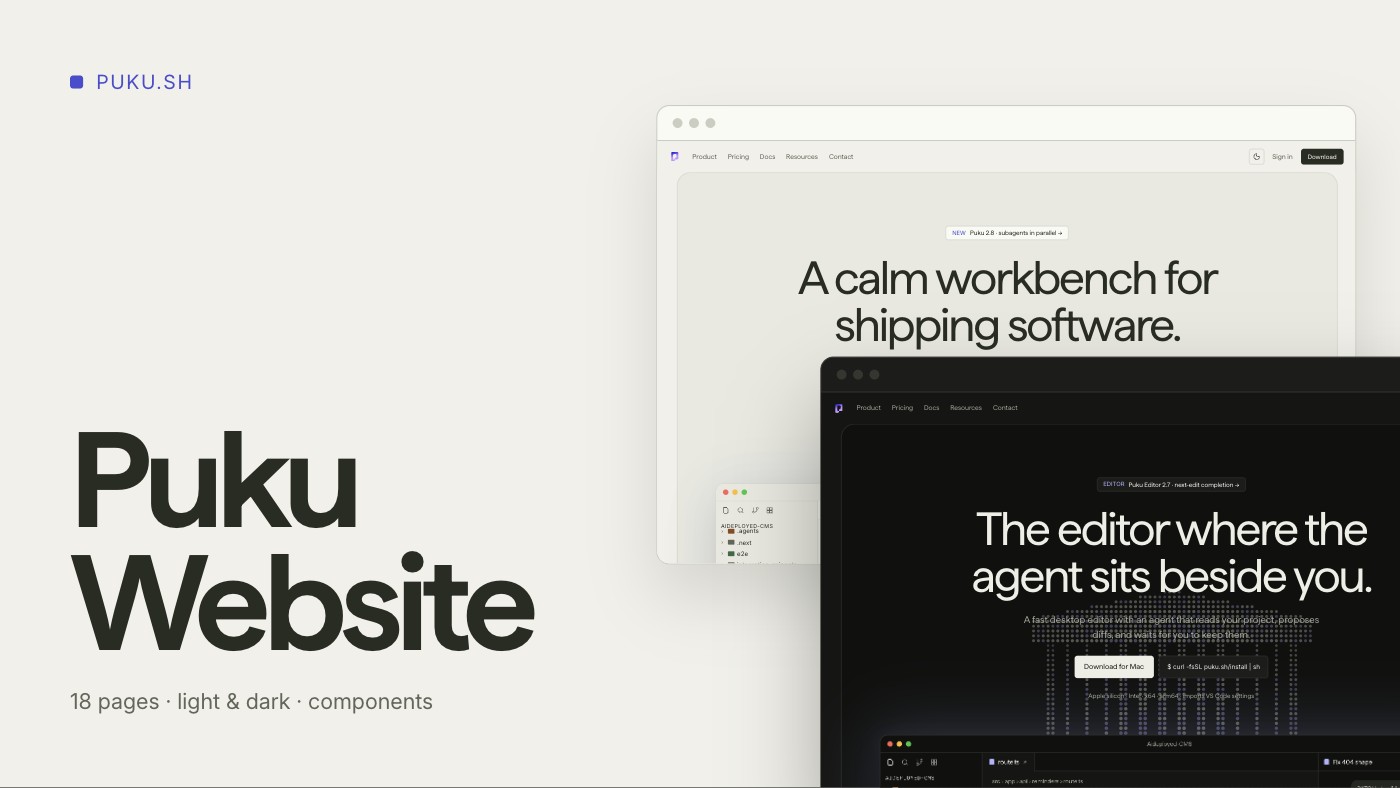
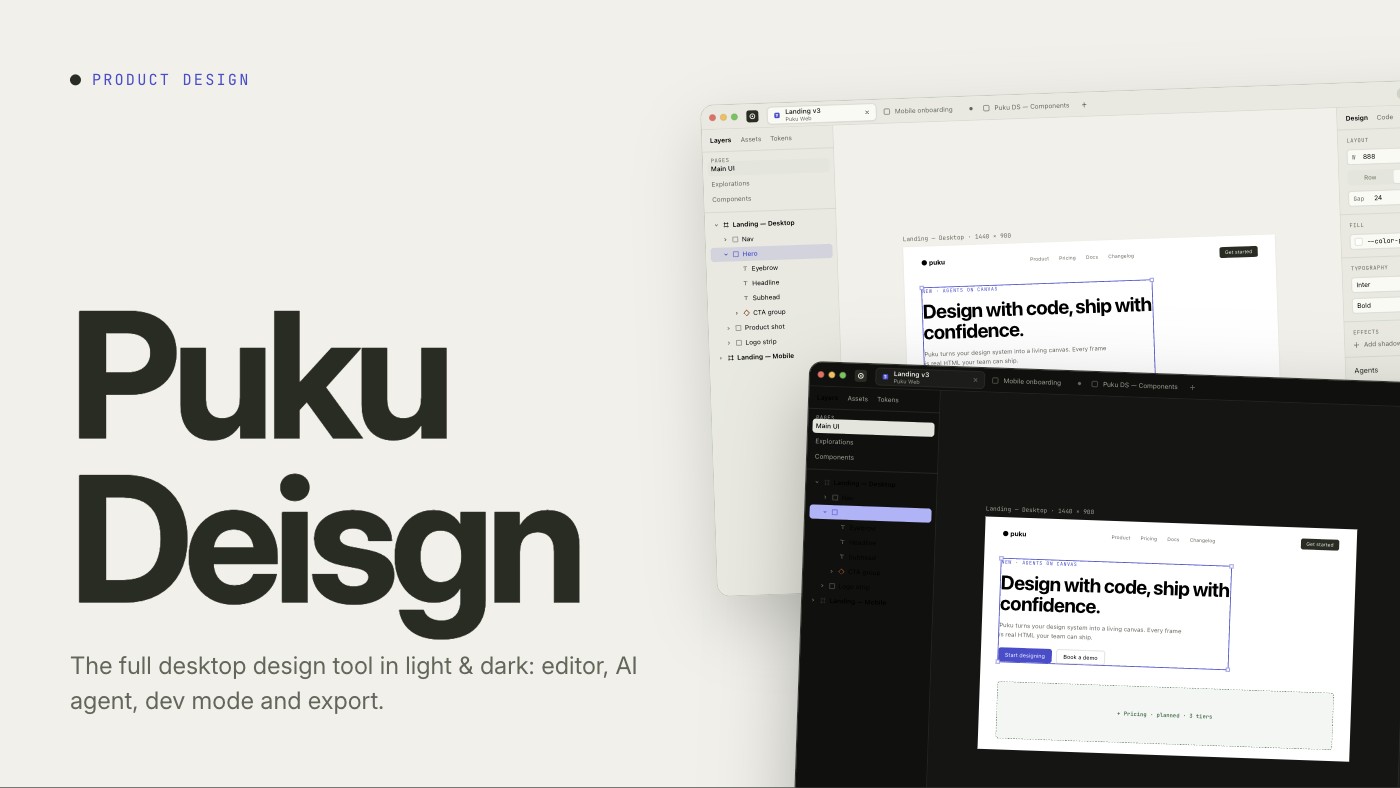
Puku Design
Puku turns your design system into a living canvas.
- Role
- Product & design lead
- Scope
- 19 sections × 2 themes · 40 pages
- Platform
- Desktop app
The brief
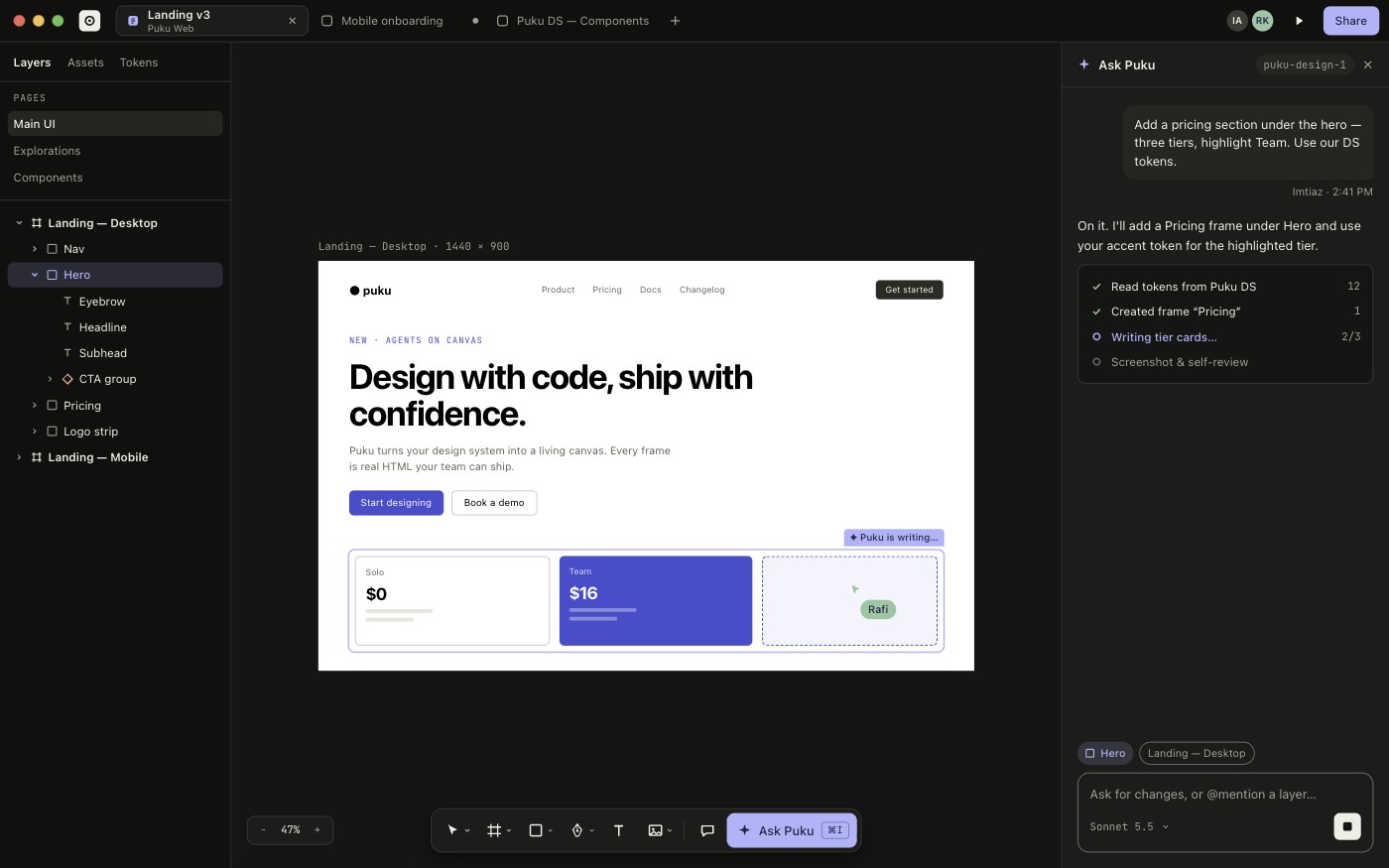
A full desktop design tool — editor, AI agent, dev mode and export — where the design system and code stay in sync.
What I did
- Planned 19 sections: auth, workspace, canvas & tools, inspector, Ask Puku agent, collaboration, dev mode & MCP, prototype, settings & billing, desktop shell, advanced layout/type/vector, effects, Image Studio, export, tokens and agents.
- Attached a spec board to every page with a route table (route, entry from, back to) and keyboard shortcuts.
- Wrote audit & verification guides and checked contrast — text 14.5:1, muted 6.4:1, accent 8.6:1.
Key decisions
- D.1
Specs travel with screens
Every page carries its routes and shortcuts.
- D.2
Accessible by measurement
Contrast ratios are documented, not assumed.
- D.3
Agent in the canvas
Ask Puku works on the selection, not in a separate chat.
Next Puku product
Puku Website